Parker Ortolani, 9to5mac.com:

I’ve compiled a comprehensive, but curated playlist of some of the best songs that Apple has used in commercials, product introductions, events, and more. You can stream it or add it to your library on Apple Music. But I also wanted to acknowledge a few songs that were made particularly iconic thanks to their inclusion in Apple marketing materials over the years.

The songs Ortalani highlighted, each one brings me back to their ad. One of the very best: “Bruises” for nano-chromatic.

Apple’s taste was impeccable, and that curation thrives today with Apple Music 1.

Victoria Song: ‘Meta launches new ‘prescription optimized’ smart glasses’

Dubbed the Ray-Ban Meta Optics Styles, the new frames come in a rectangular “Blayzer” style and a circular “Scriber” version. Compared to the regular Ray-Bans, these also sport overextension hinges, interchangeable nose pads, and adjustable temple tips for opticians so users can better customize fit.

Meta is forging their smart glasses ahead with more frame styles, prescription options, and useful features. Nutrition logging is a clever one. Apple’s gonna have a lot of catch up to do if/when they enter this market. 🤞

While I always like to buy the latest version of a thing and then use it for a long time, at $243 on sale, the Sony WH-1000XM5 headphones are probably what I’d buy over the newer $458 XM6 if my AirPods Max died today. 🛍️

This might be my favorite Lil Finder Guy thing yet. 😍😍

Surf's Up in macOS Tahoe 🏄

Amazing. You can tell they sweat the details.

We're testing this new intro to play when you first launch Retro ✨

The idea is to "set the mood", communicate what Retro is about, and slow you down:

• Plays haptics on every photo beat, decreasing in intensity and sharpness, so you "feel" it calm down.
• The script is dynamic, it adapts to the apps that you have installed on your device.
• The soundtrack starts with noise that we turn down to focus on what matters.
• We're gonna ask for some iOS permissions, hopefully this creates some trust

Matt Birchler: ‘iOS…iPadOS…are you getting it? These are not two different operating systems…’

I expect that in iPadOS 27, these 3 options will remain, but the full screen apps option will bring the return of split screen that does not involved free-floating windows like we have now in iPadOS 26. In June, this will make a lot of iPad users happy who didn’t love needing to opt into full windowing to get the split views they used to love.

Gosh, I hope so. The windowed apps have not been an improvement on my iPad mini. I wish I could go back to iOS 18 with traditional Split View and Slide Over.

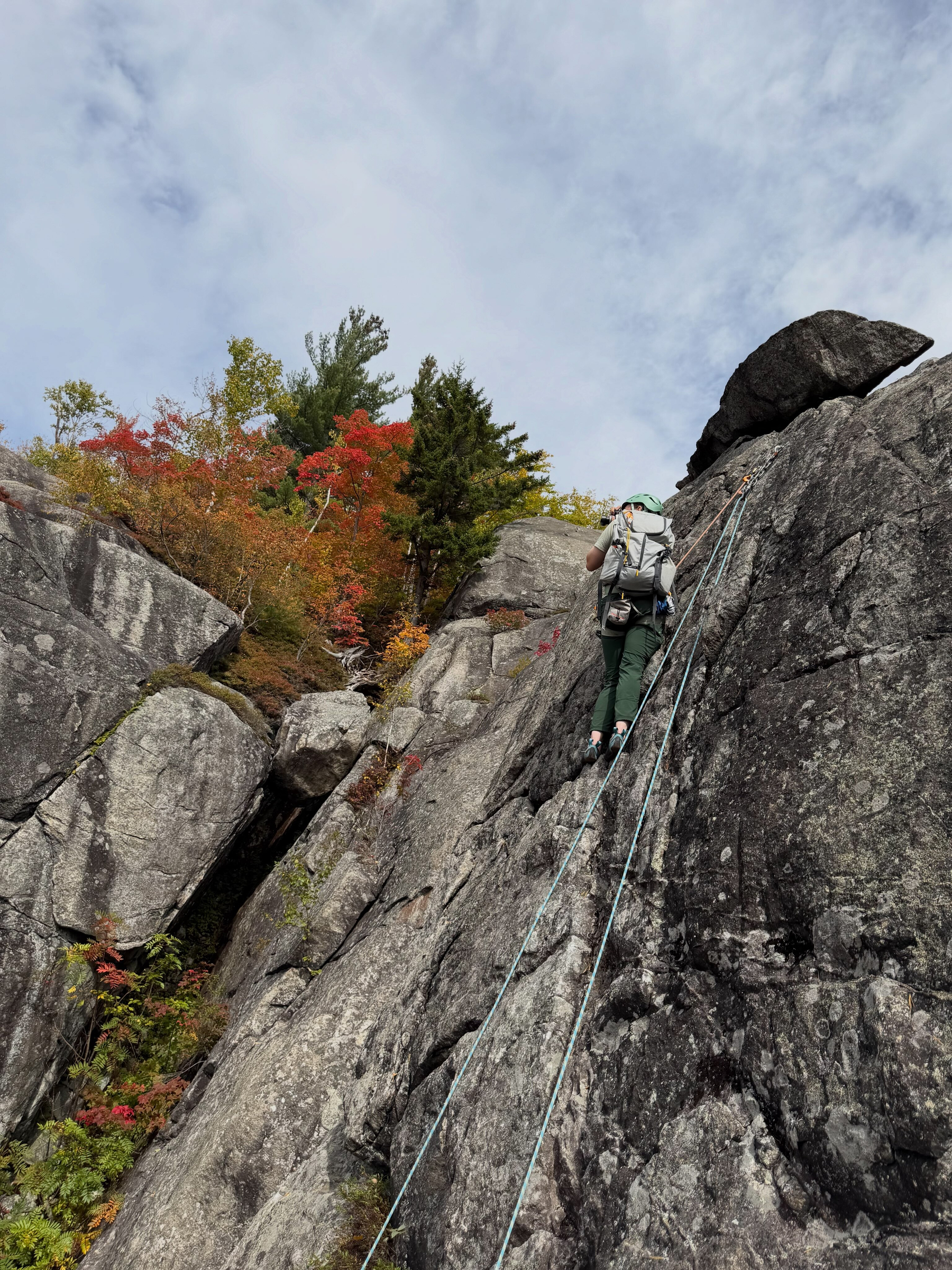
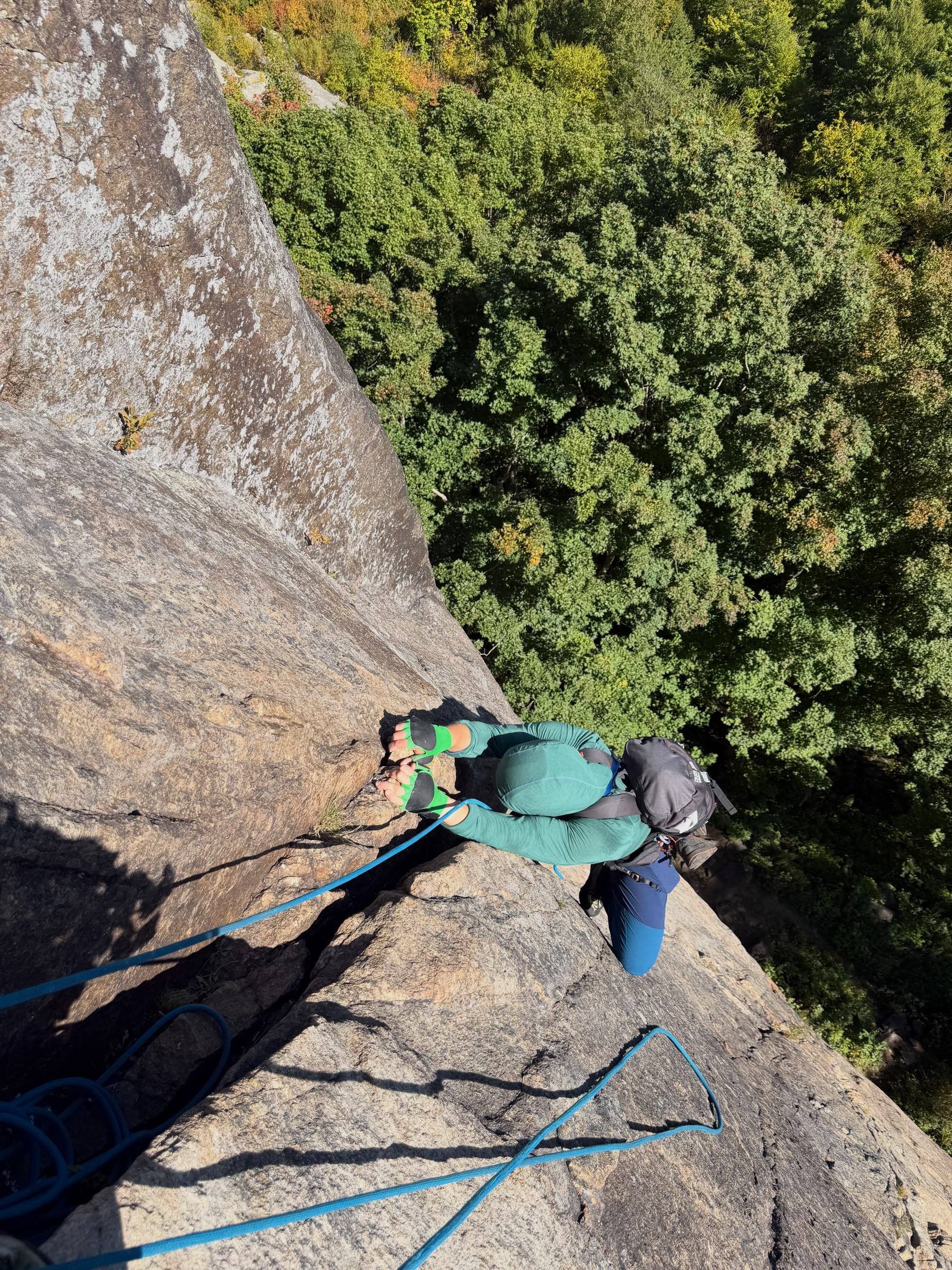
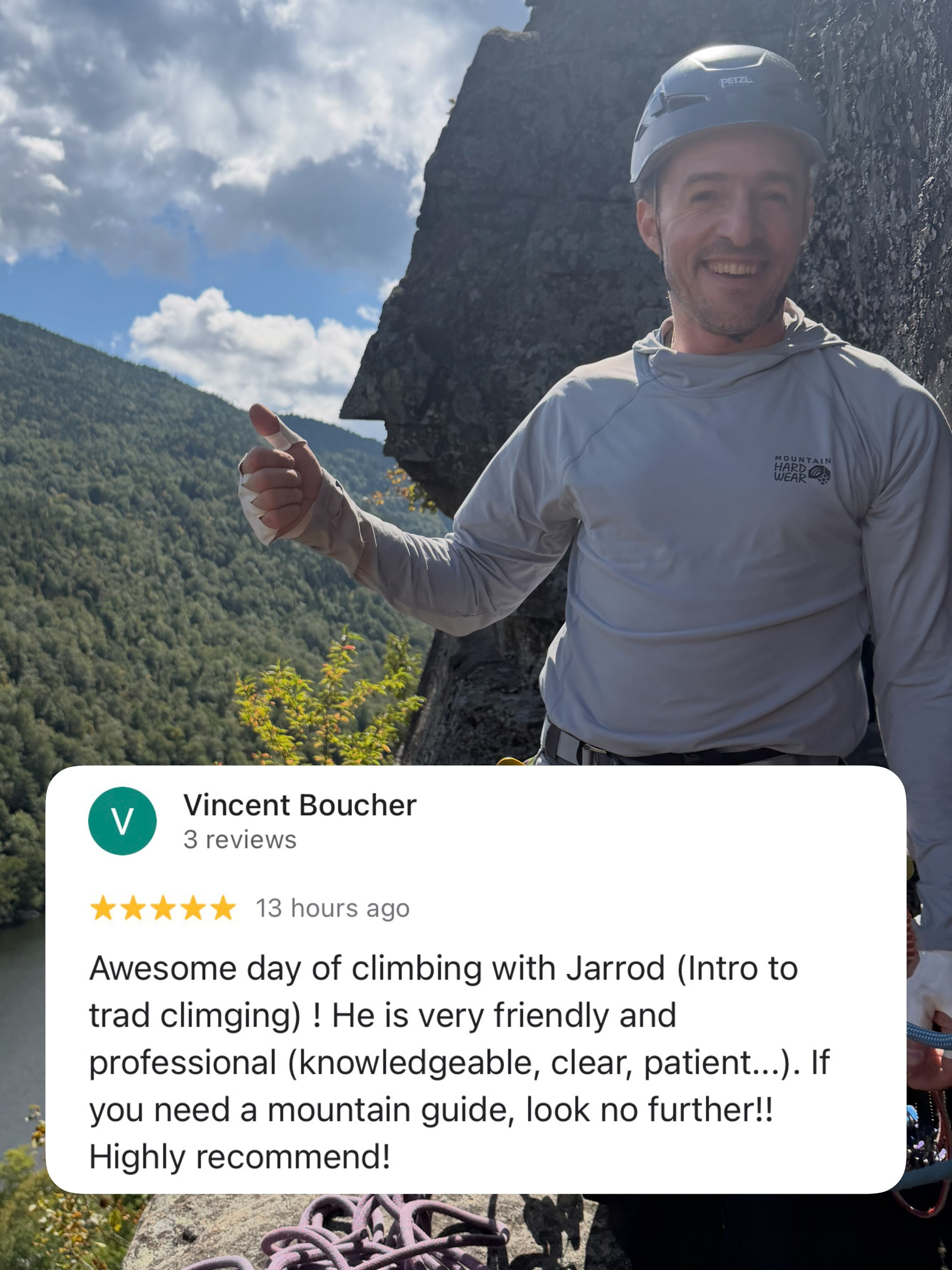
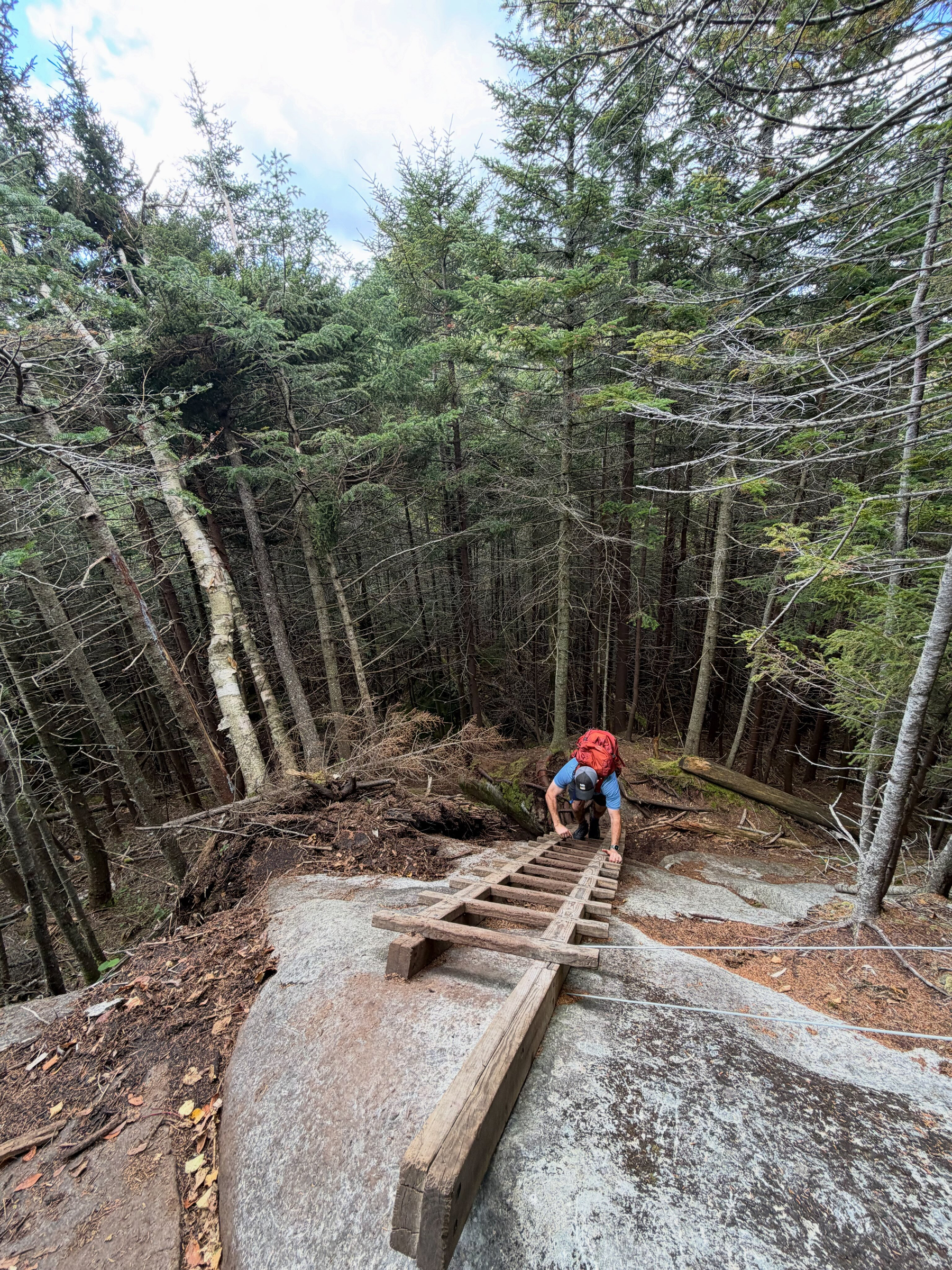
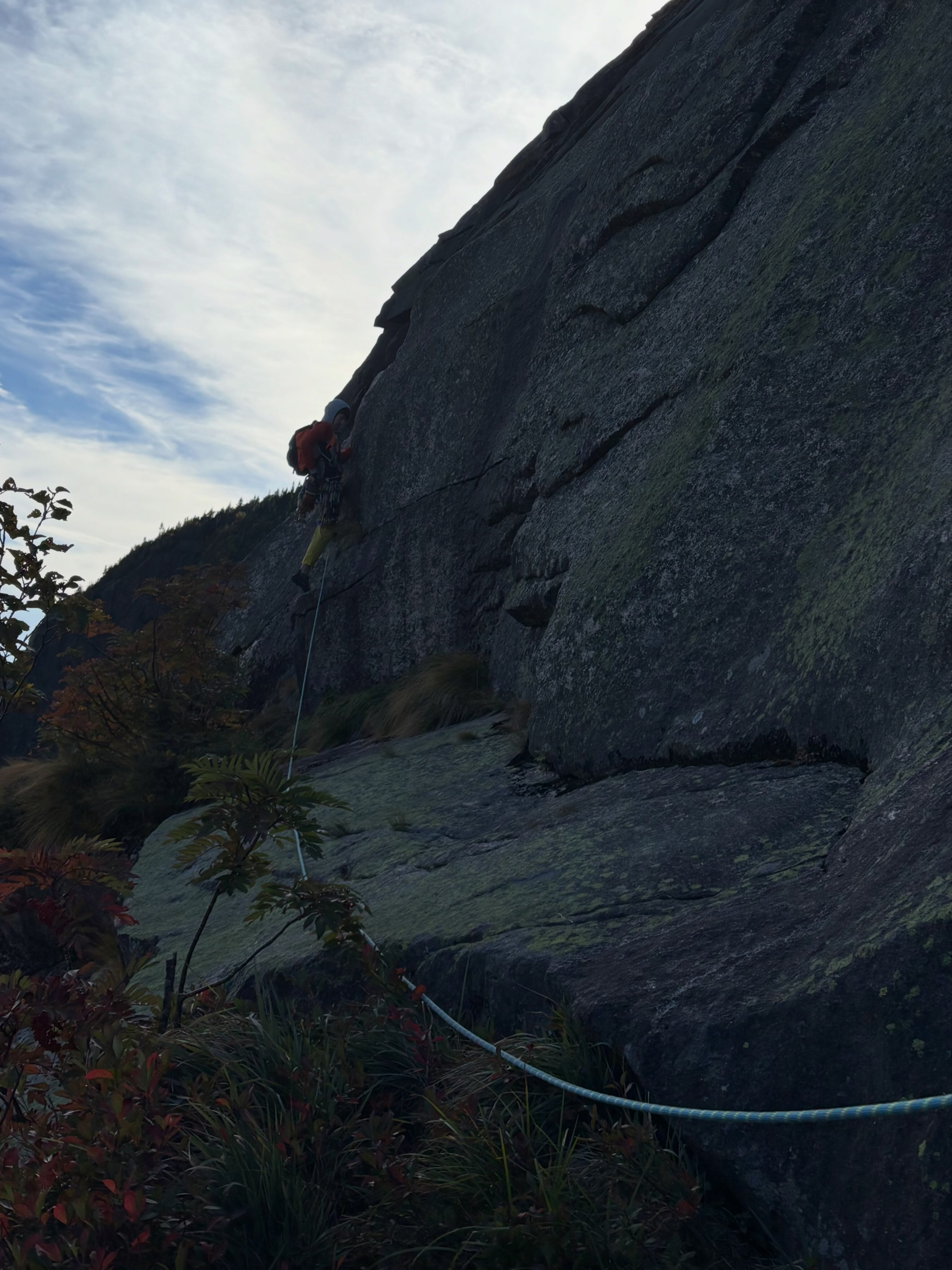
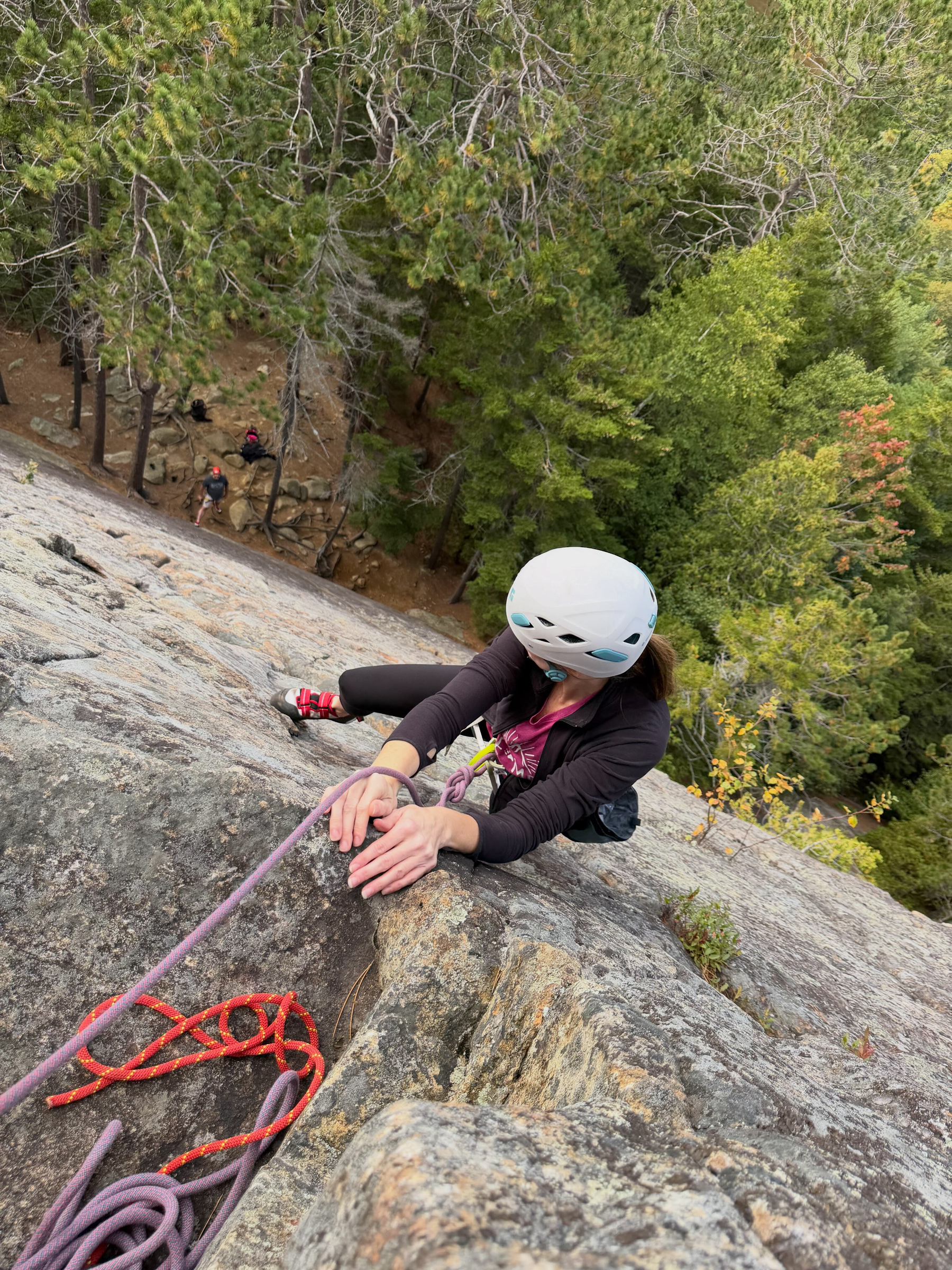
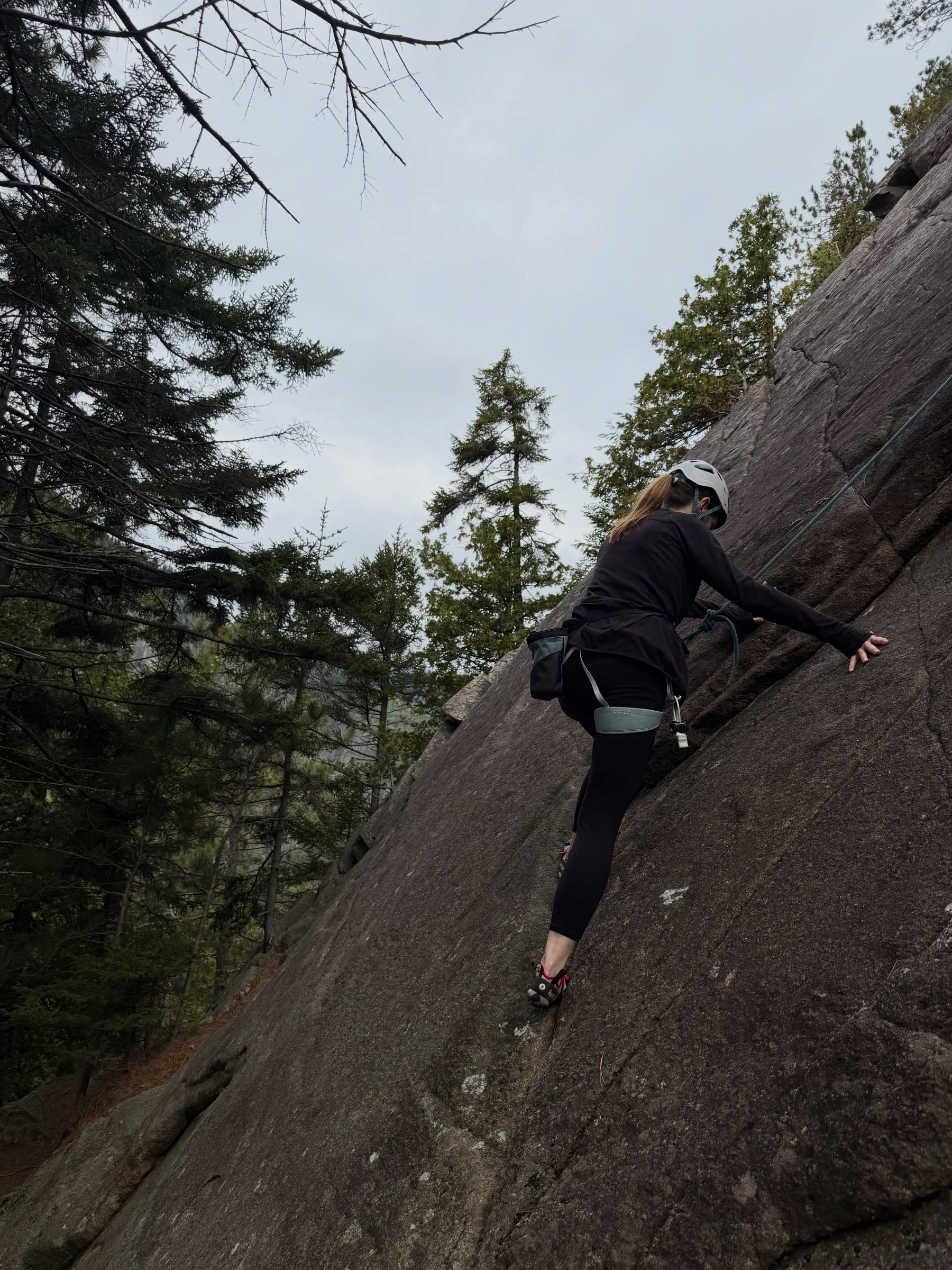
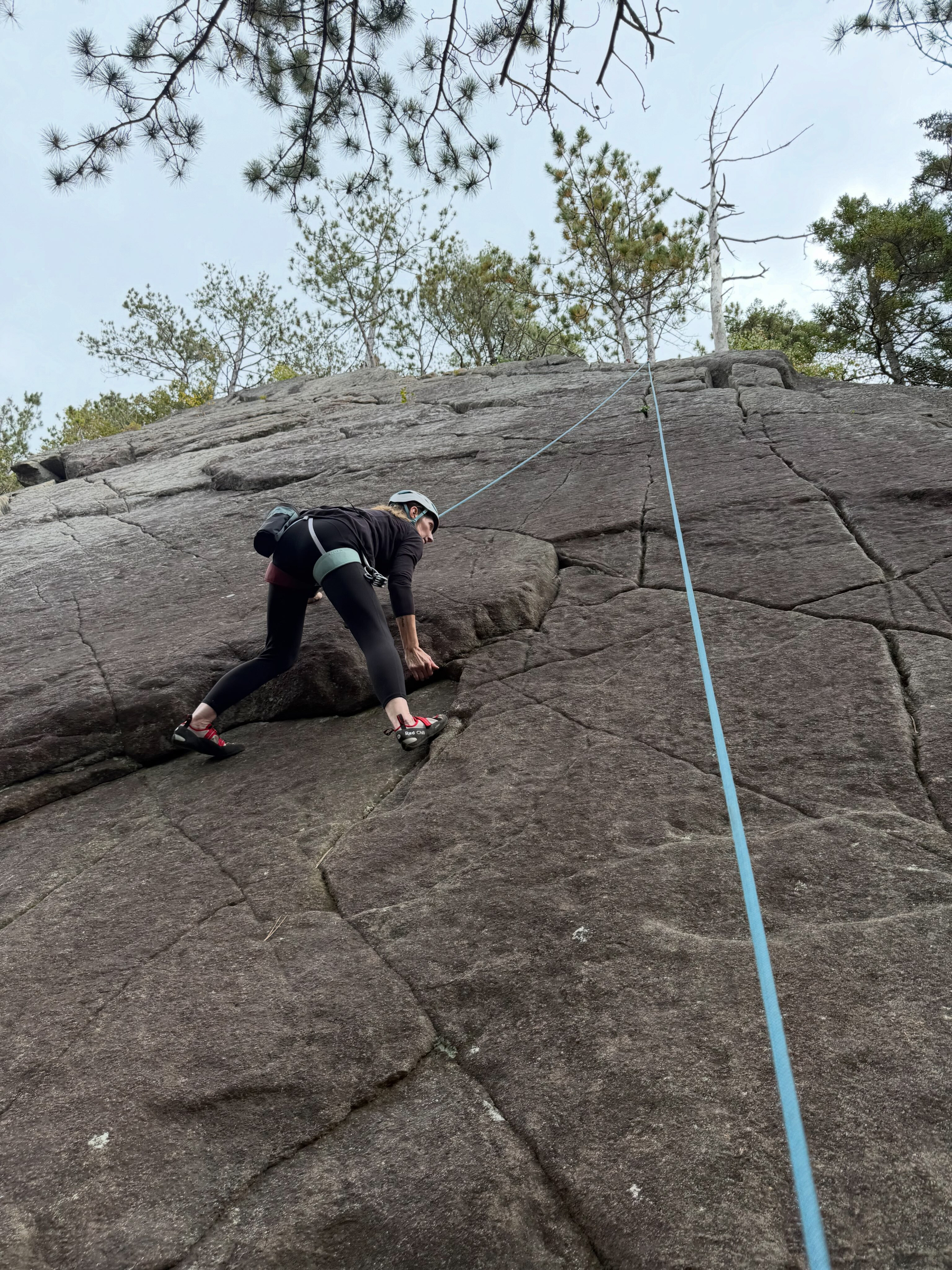
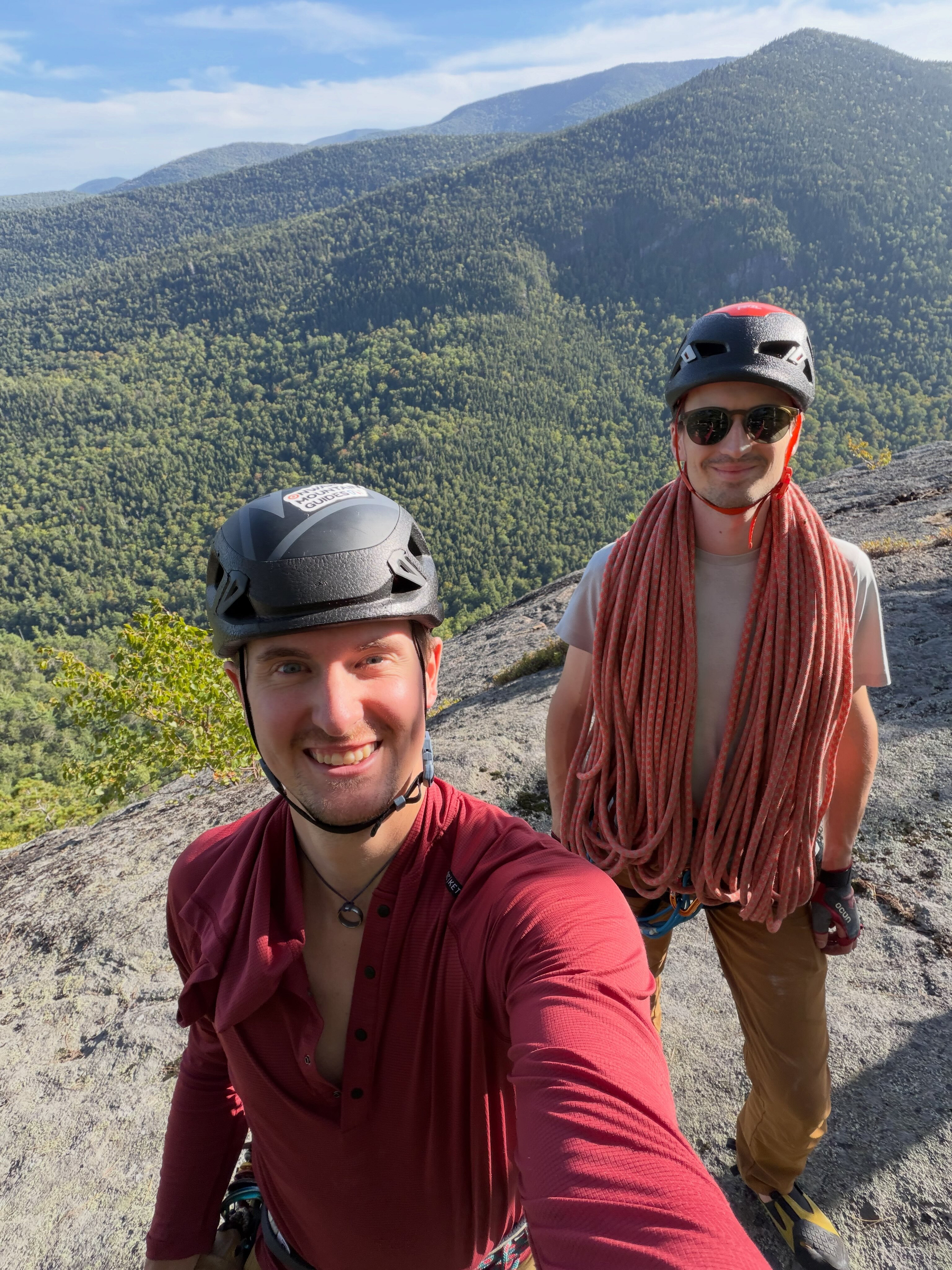
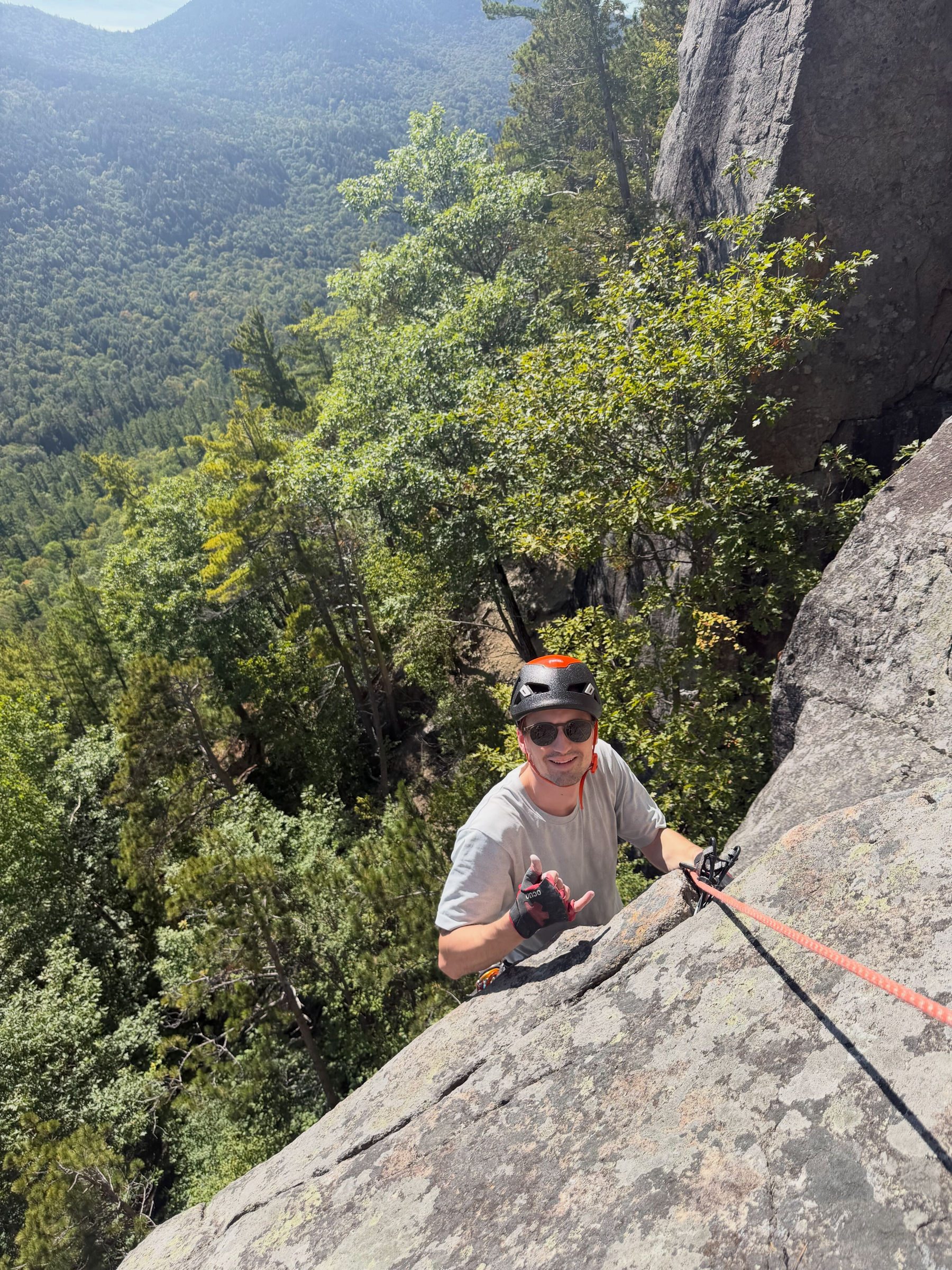
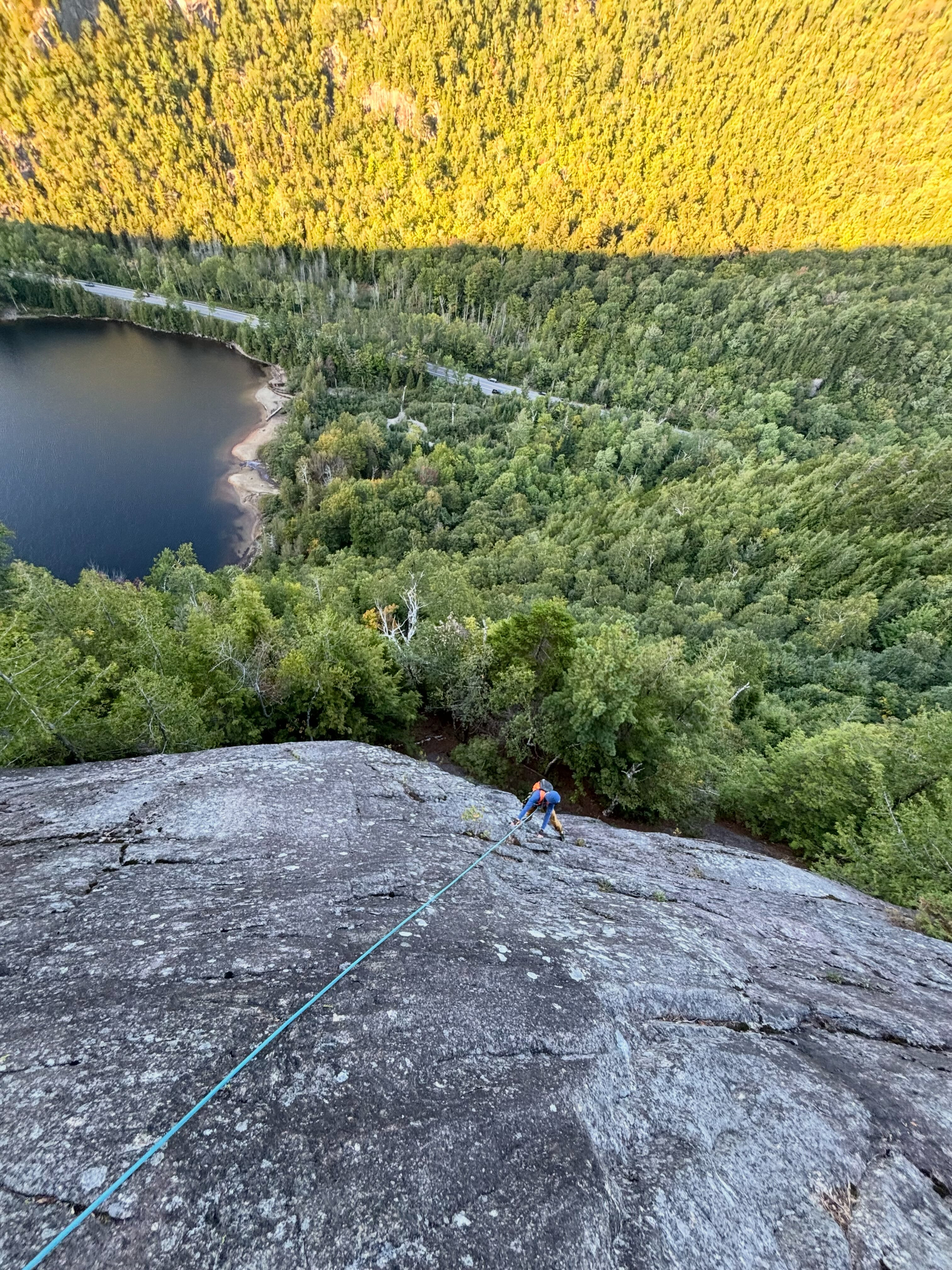
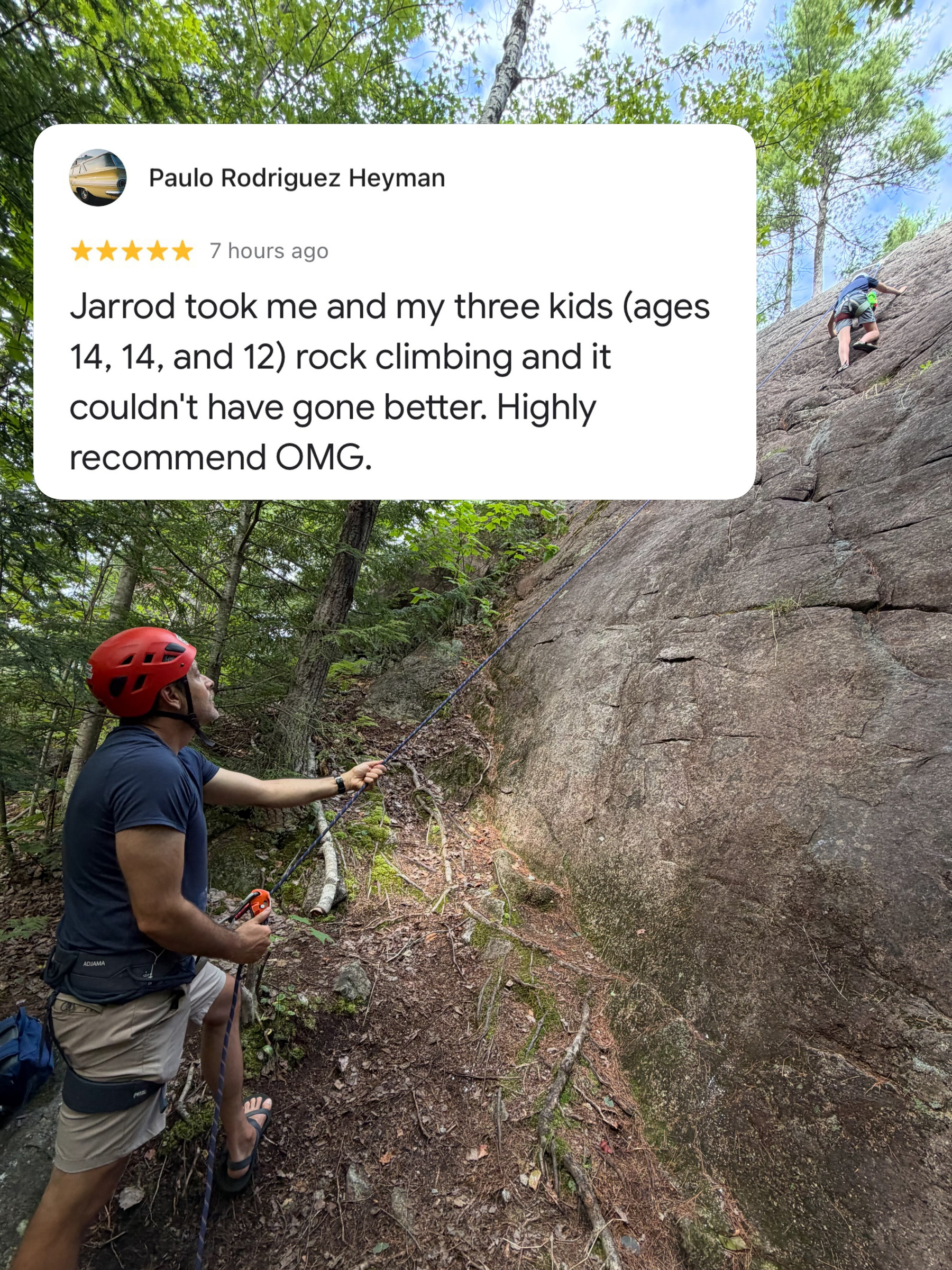
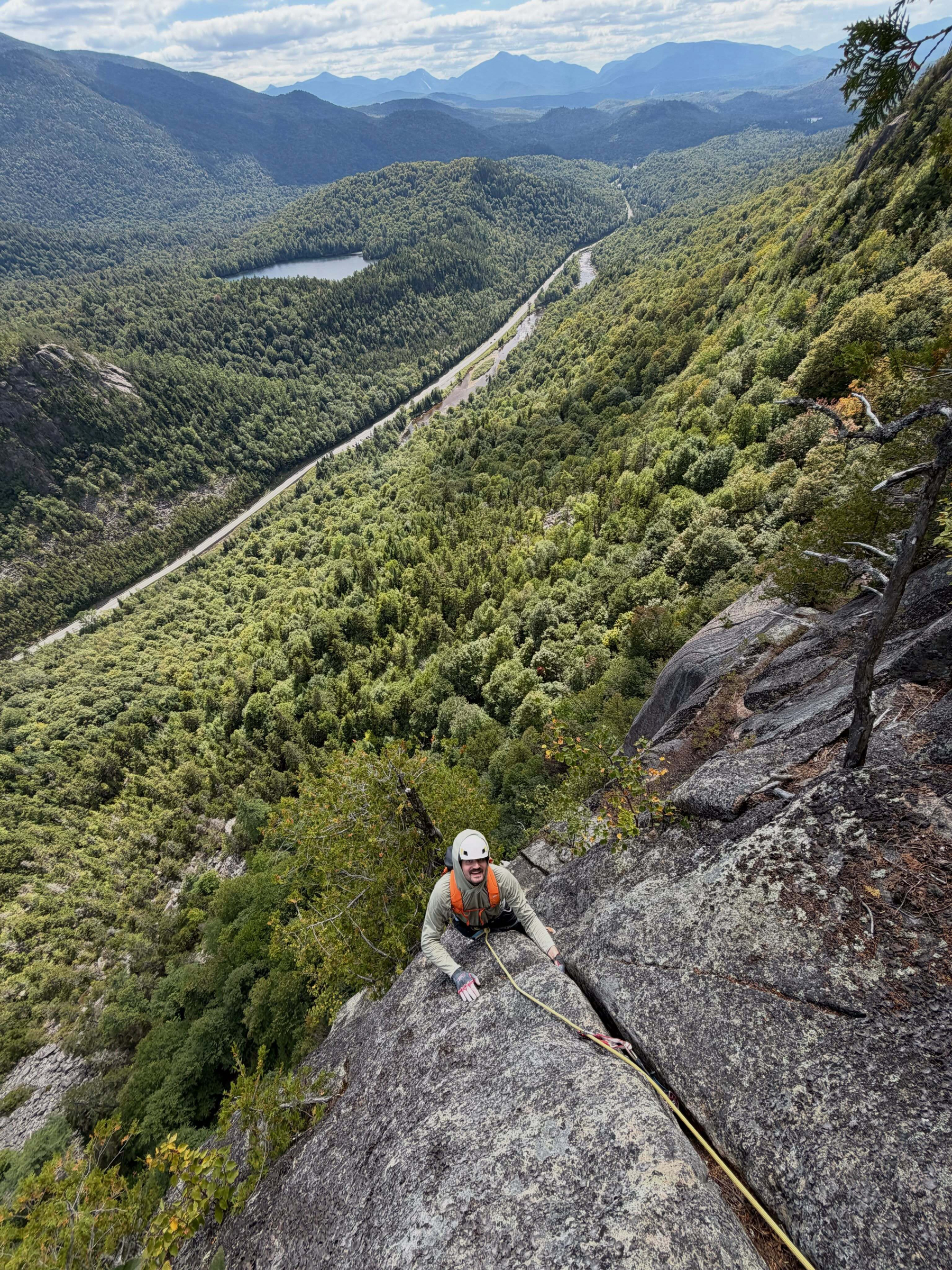
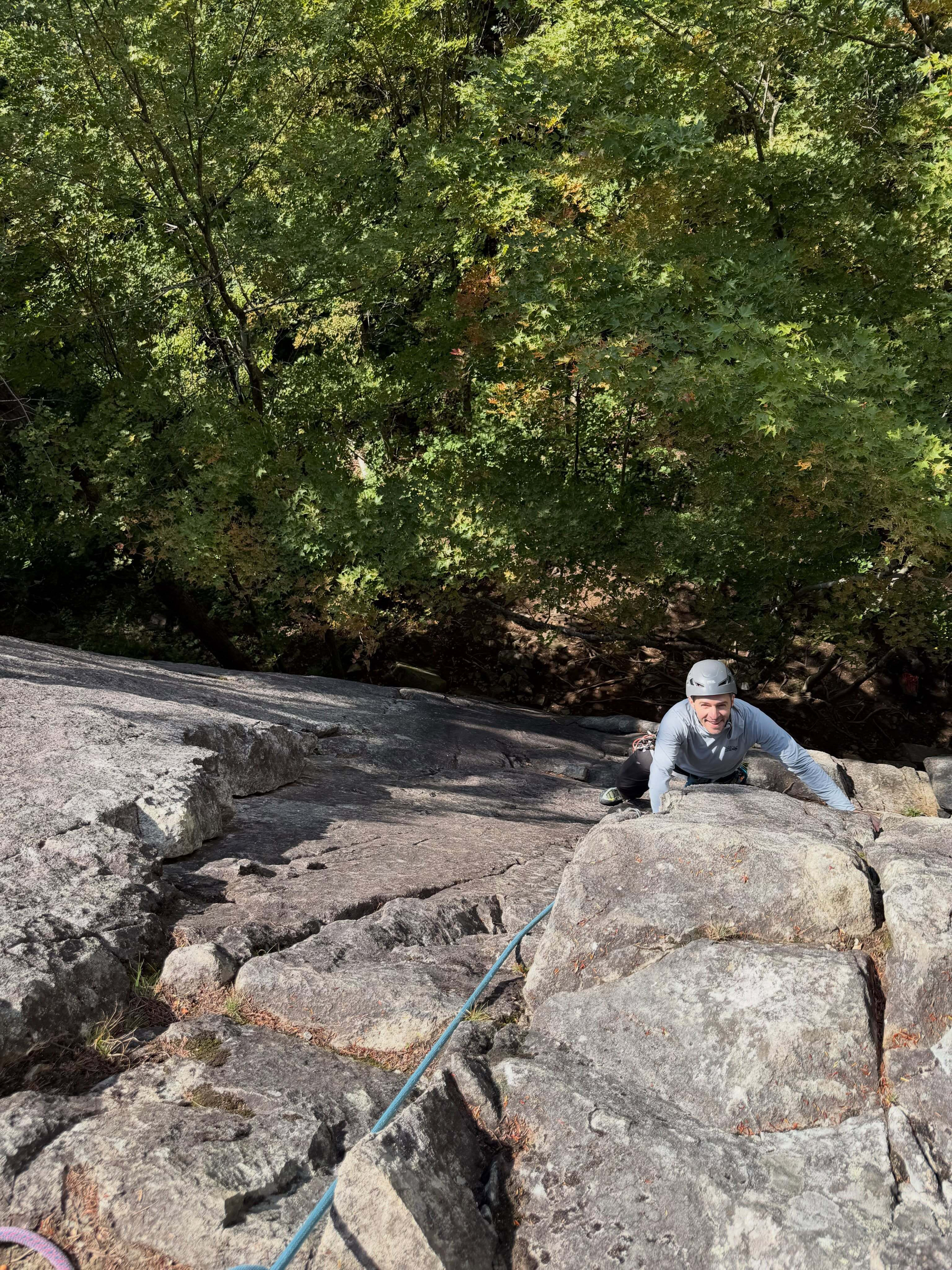
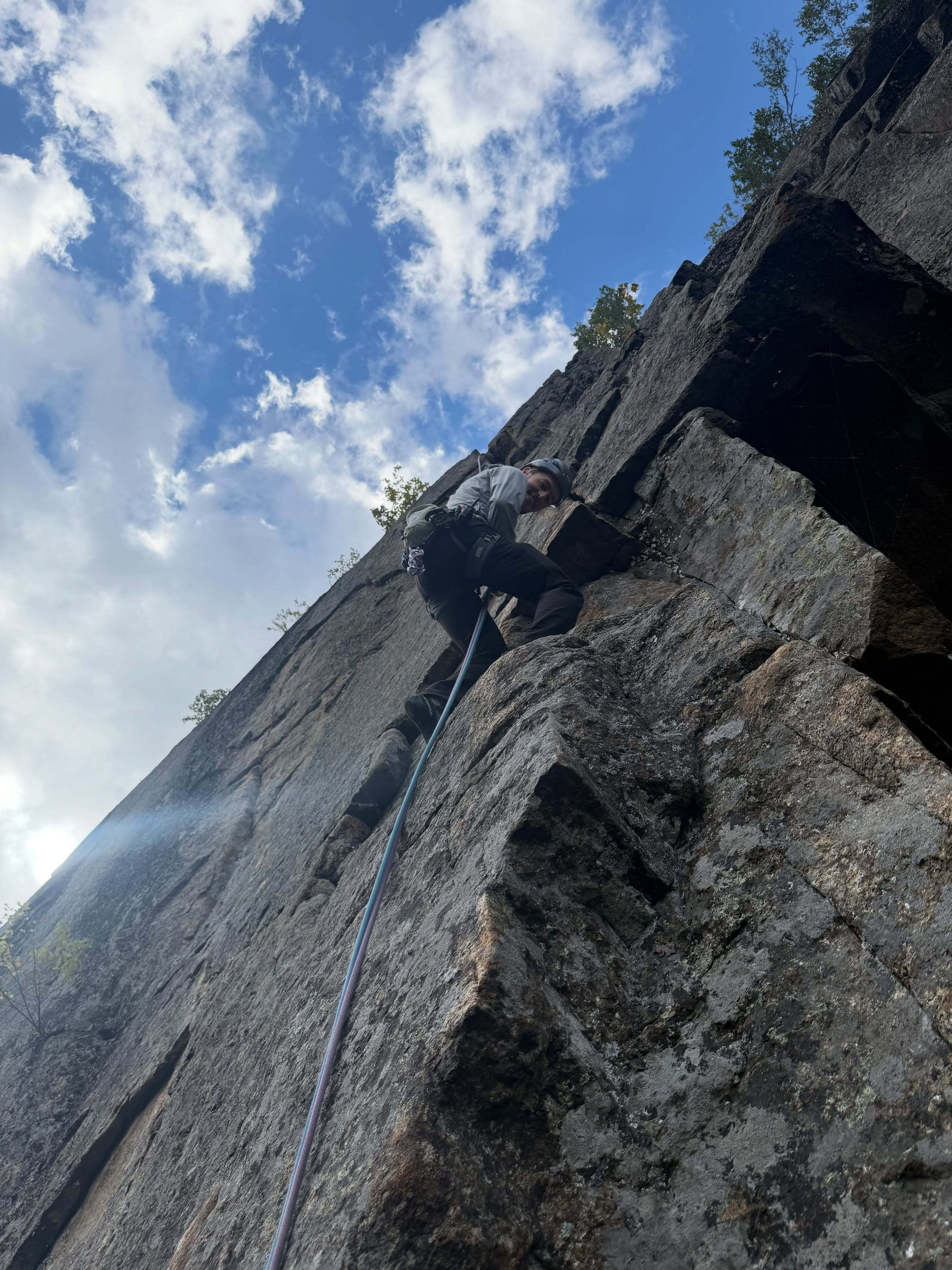
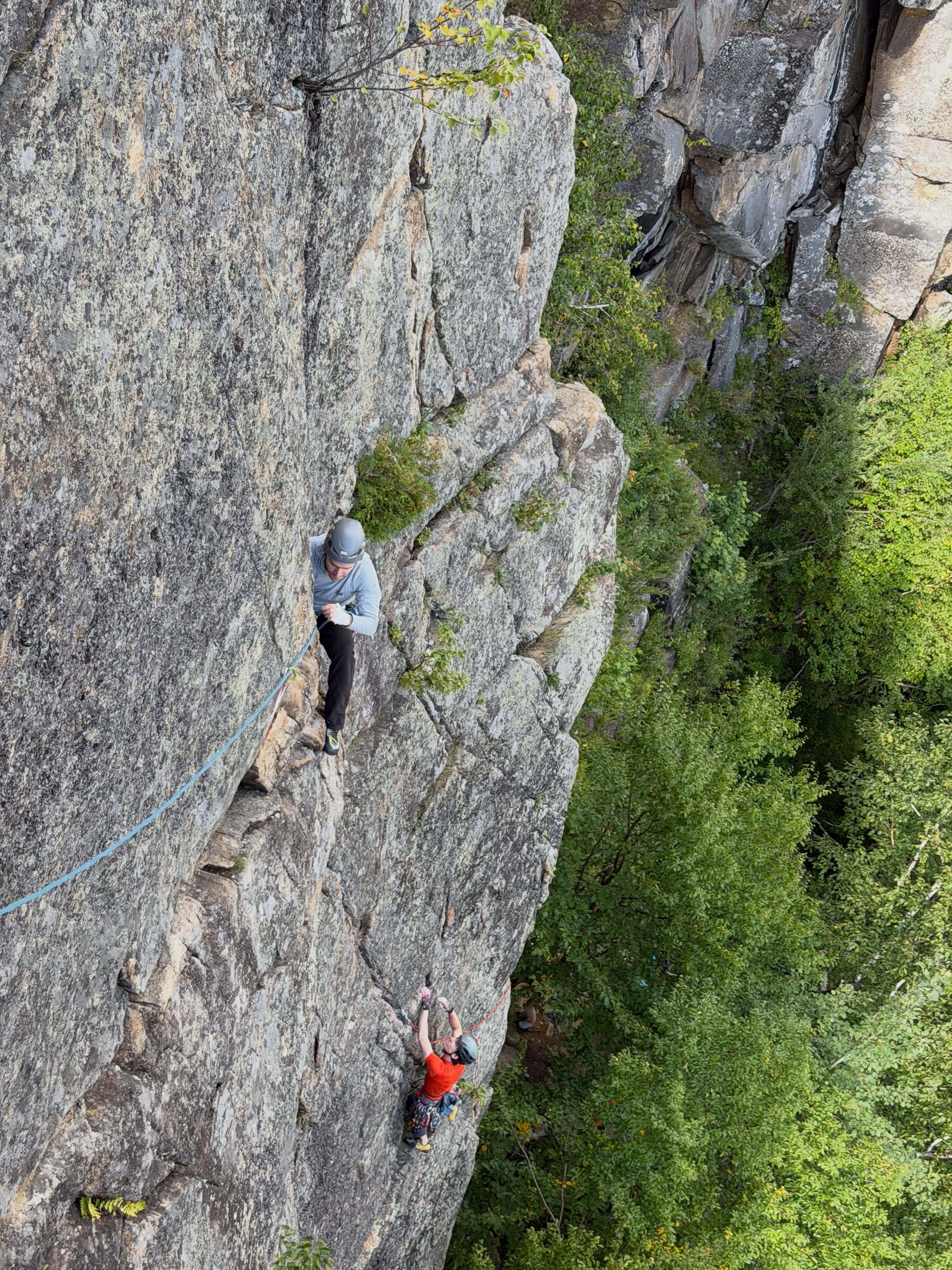
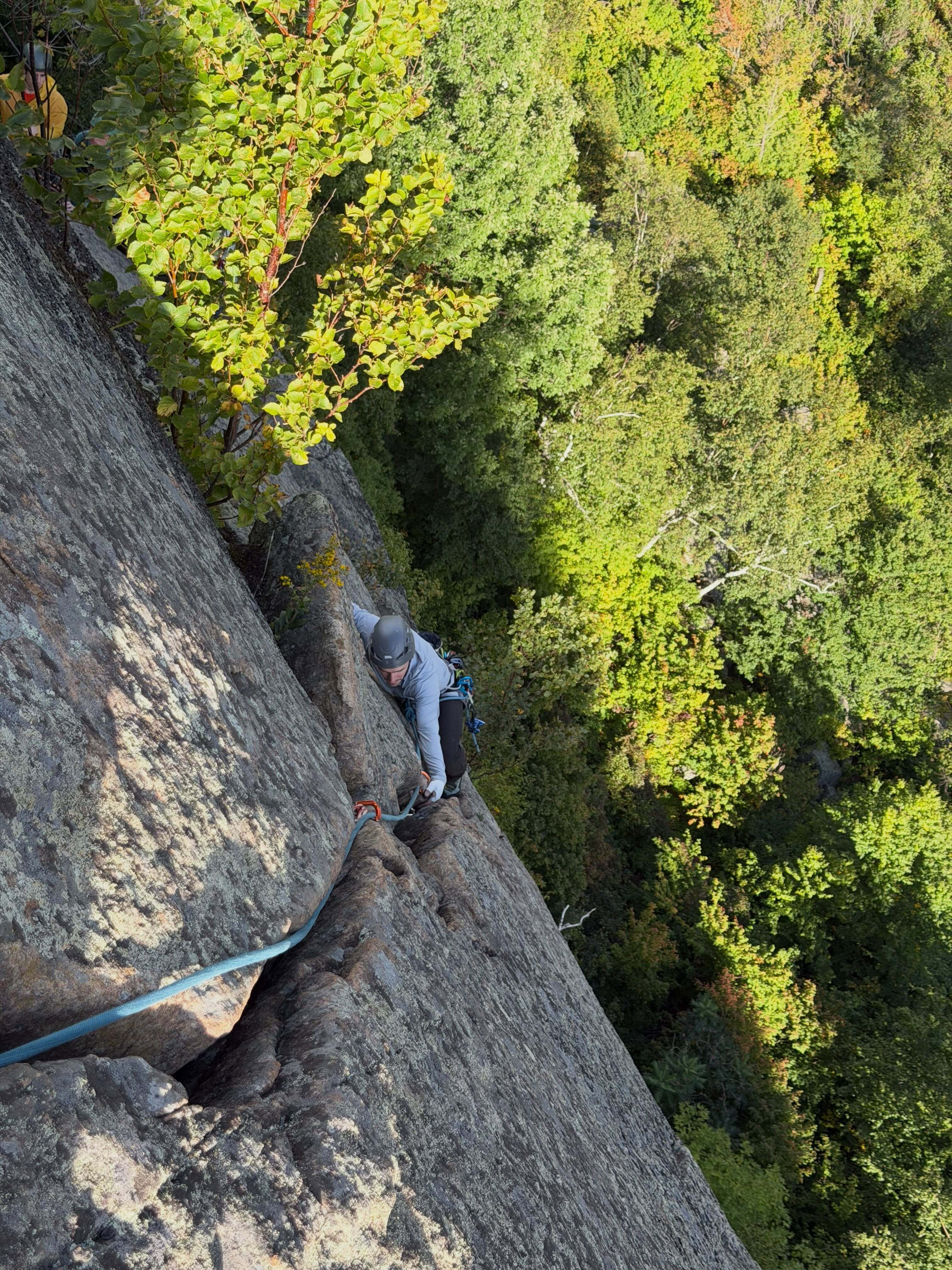
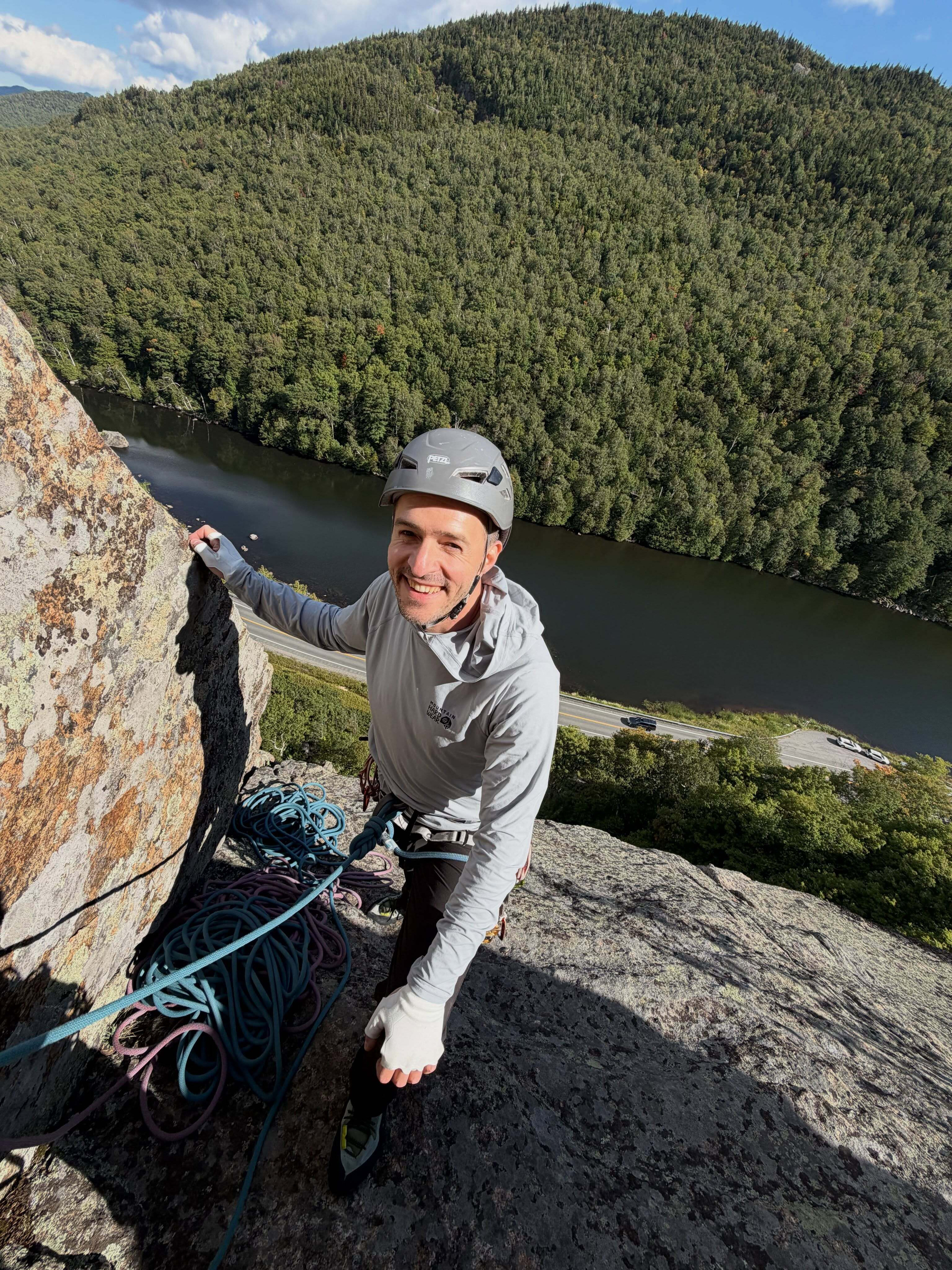
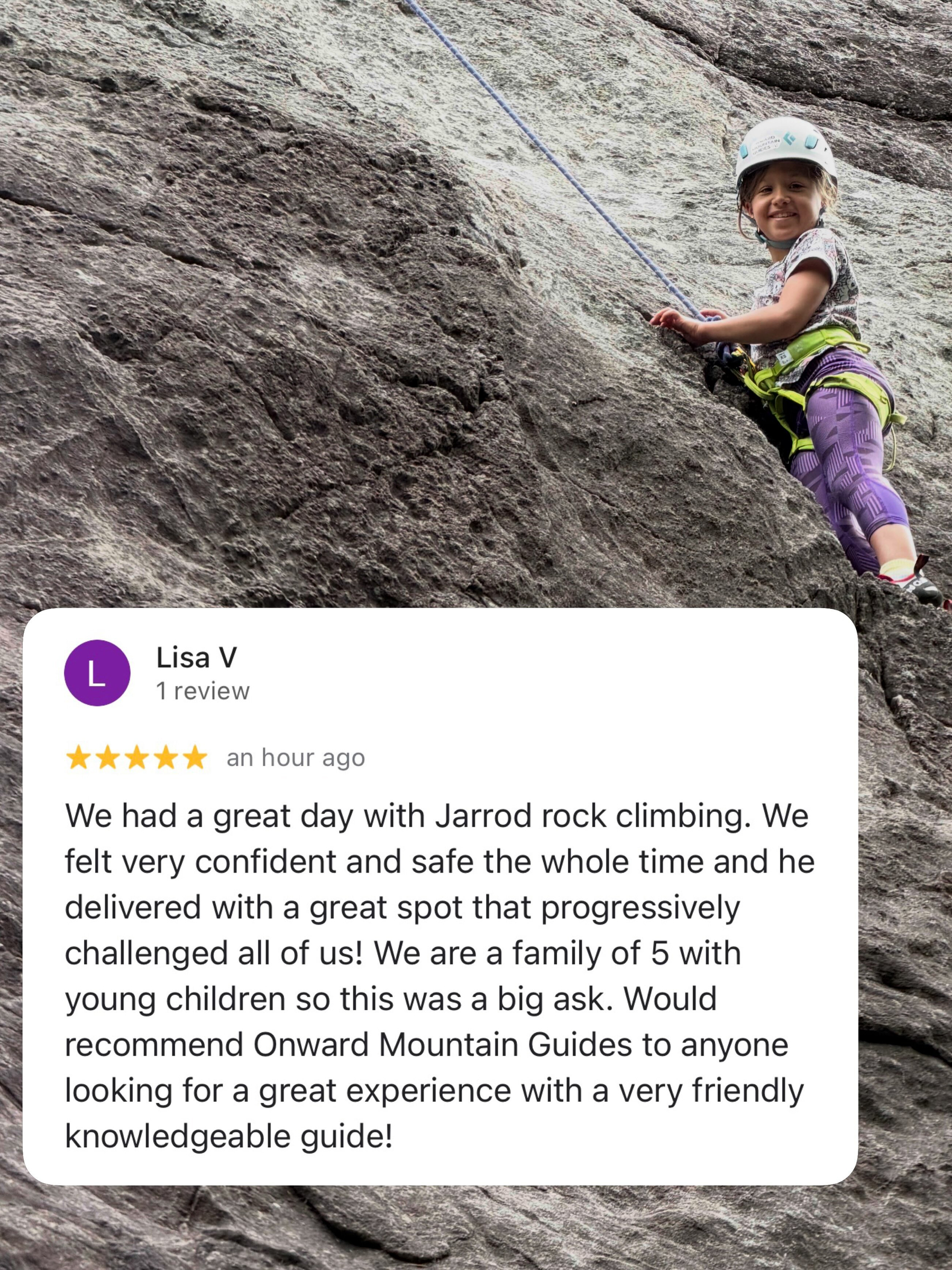
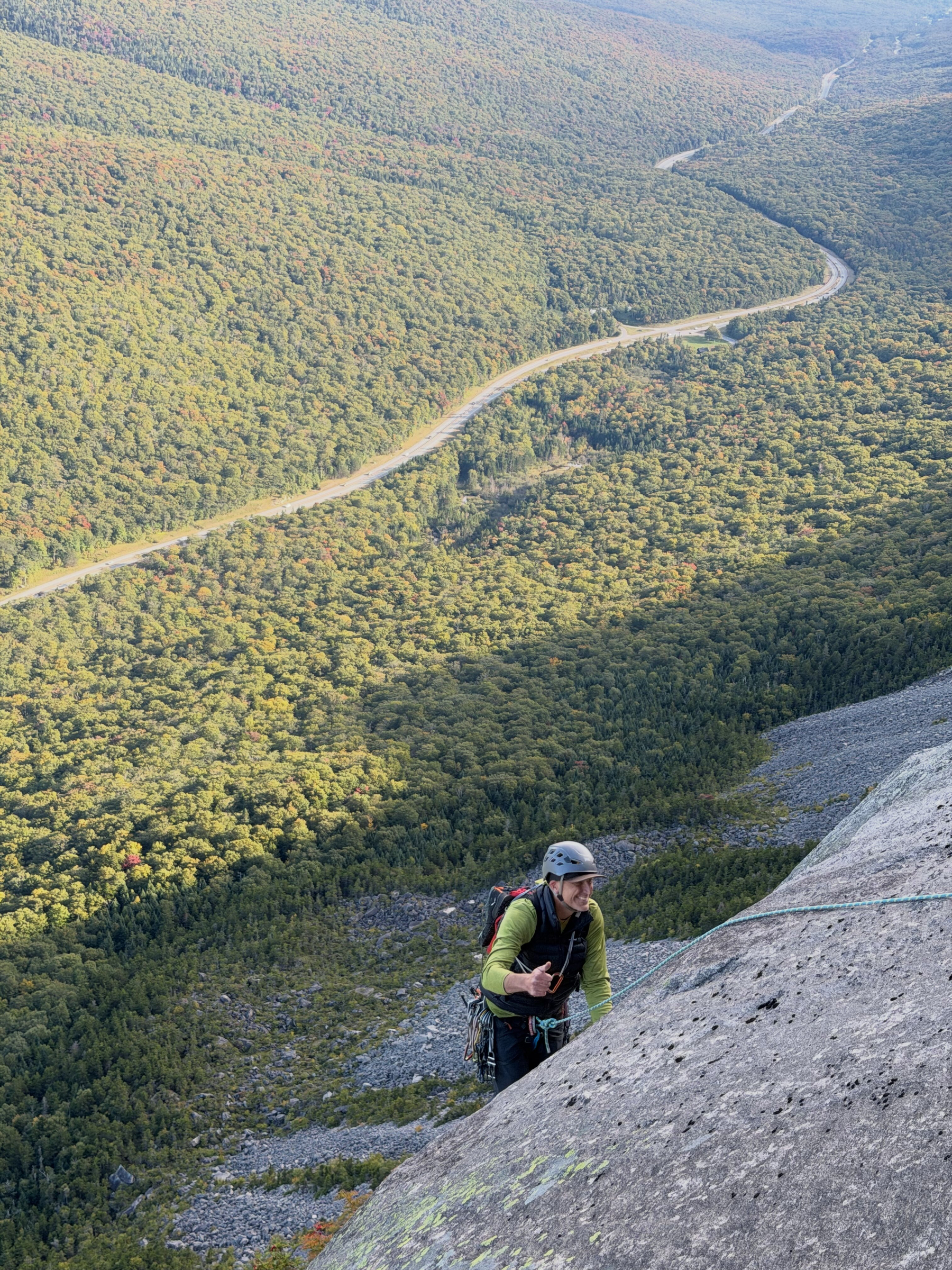
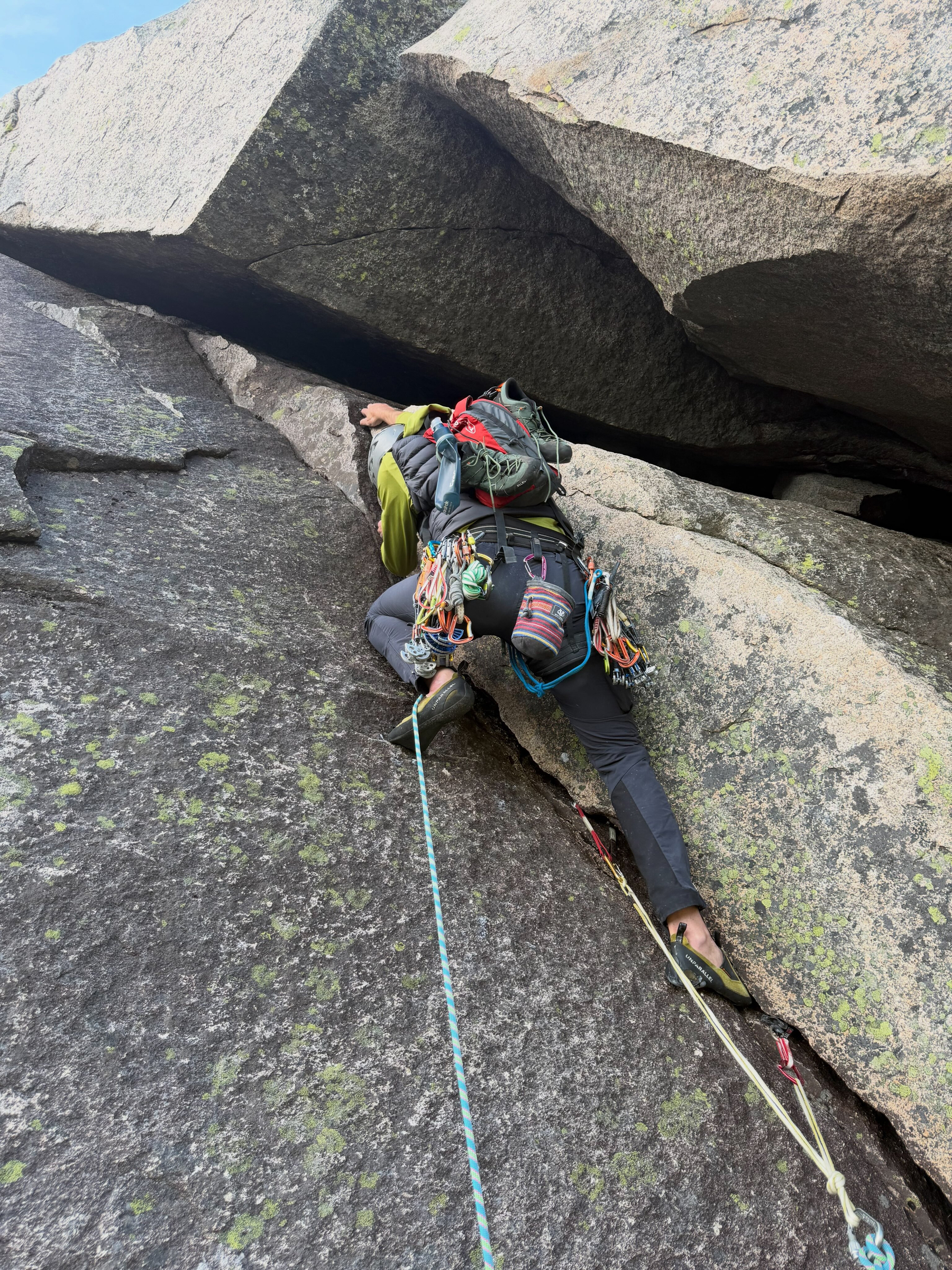
Getting to spend multiple days with a client is always just the best! We can learn so many skills, and them put into practice on real climbs. Rock season is nearly here. Time to get your sessions booked!

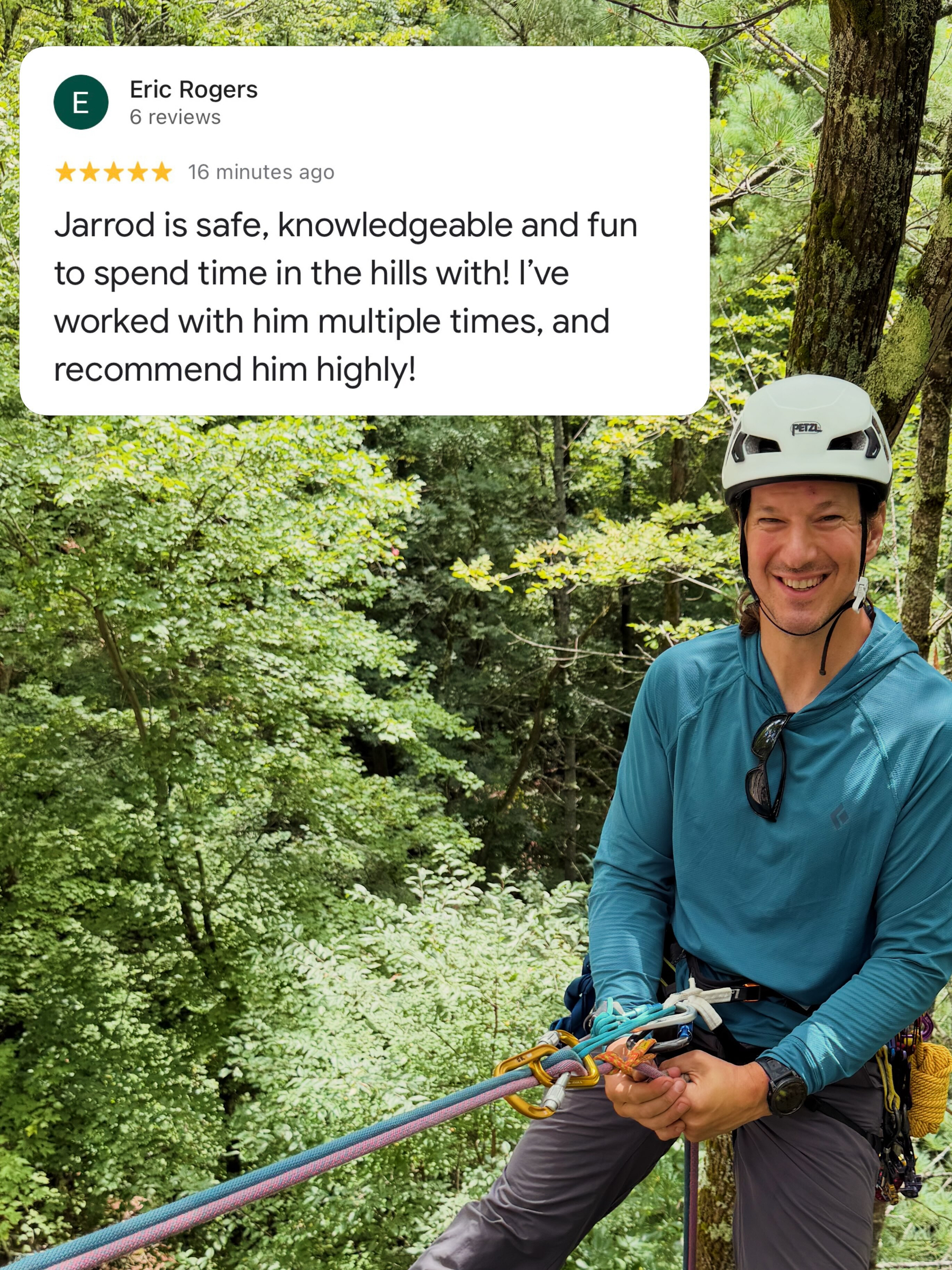
Climber ascends rocky surface using rope while wearing helmet and backpack in a forested area. Text overlay reads: “scott stella 1 review 5 stars 6 months ago Jarrod was a great guide super knowledgeable and most importantly just fun to spend a couple days with learning and climbing”

After watching episodes of Shrinking and Rooster back-to-back, I can confidently conclude that this Bill Lawrence guy really knows how to write and produce a TV show! 📺 👍👍

🆕📝 I’m returning my Studio Display XDR and buying another one

I thought I’d like the nano-texture display, and while it’s impressive, it’s not for me.

Lil Finder Guy has escaped from TikTok and is now also featured on Apple’s YouTube channel in a series of three new shorts!

A smartphone displaying a social media post with a digital avatar. The avatar is a cute, small figure with a half-blue, half-white body, sitting next to a laptop keyboard on a wooden desk. The background is blurred, with pastel colors, including pink and orange. The app interface shows interaction options like “Dislike” and “Share,” and the time at the top reads 5:03.

I use very little of Raycast’s vast feature set, so I’ve considered switching to Spotlight and just keeping Raycast around just for its excellent emoji picker.

Enter @nileane@nileane.fr’s new TinyStart app. It’s a way more focused launcher that also comes with a great emoji picker — way faster than Spotlight too:

Unlike Spotlight, TinyStart is super fast at showing results and launching apps. It never becomes overcrowded with search results you don’t need, and it lets you open URLs, perform web searches with custom search engines, and quickly open folders in Finder.

I’m gonna give it a go!

All podcast websites should work like this

Matt Birchler made a really cool searchable database for his Comfort Zone podcast, complete with clickable transcripts that start the audio so you can hear your search query in context. He envisions it as something podcasters could sign up for:

[Users could] add their own RSS feed, and then all details would automatically pull from their feed. The back end should also automatically check for updates on feeds every 6 hours or something like that as well. Transcript updates should pull from the remote files and not be a part of the code base, and there could be an upload UI to add these files from the web portal.
You’ve gotta go play around with it. All the show notes for each episode are also there, and included in the search — a nice touch.

Personally, I think all podcast websites should work like this! It’d be way more useful that most podcast hosting service-provided sites.

Watched: For All Mankind S5E1, First Light 📺

We are so back! These season openers have ever-more stuff to catch us up on with their decade-long jumps, so it dragged a little bit. But I have no doubt that it’ll pick up. Can’t wait to see what this season’s heart-racer scene will be.

At long last, I’m jumping into a smart lock and doorbell. I’ve been waiting patiently for years for the right features (UWB, battery-powered, Apple Home) at a decent price, and Aqara’s finally done it. Get ‘em on sale through tomorrow.

Smart Lock U400 ($270 $230)

Doorbell Camera G410 ($145 $100)

He’s less bananas about this one, but I’d say it’s equally surprising! 😆

Here's a take:

The "new" compact tab bar in iPadOS 26.4 is good and I like using it with vertical tabs in Safari (which, yes, you can enable).

macstories.net/notes/well-i-gu

😳 @viticci@macstories.net is a mad lad for this, but I can’t help but appreciate the Shortcuts wizardry to solve one’s own problem.

You probably shouldn't do this.

I really like Claude Code in iMessage, but I hate its permission prompts. So, I figured out how to automate them with Shortcuts.

Here's how: macstories.net/tutorials/autom

I’m no kitchen connoisseur, but I do appreciate a good gadget. Looks like a worthy update — the biggest since 1955! — to the classic KitchenAid stand mixer. Per The Verge, it adds fine-grained speed control, a bowl light, auto-off, and (!) a new mixer head that scrapes the bowl with a friction sensor!

A black stand mixer with a metallic mixing bowl and a beater attachment is placed on a kitchen countertop. The background features a dark, marbled backsplash and warm lighting enhances the overall ambiance.

Watched: Zootopia 2 🍿

A bit of a slow start, and it followed a lot of the same paths as the first movie… buuuuut by the end, I was into it and laughing along. Overall a good message again, too. 👍 (Lots of familiar voices — great cast!)

Managed to squeeze in my 37th (maybe last?) ice day of the season on Central Pillar, NSOP — what a delight, and so many options to climb! I led two new lines, including a thrilling thin overhanging pillar. Perfect weather and awesome company with Don Mellor. If this is it, the cup is full!

Two climbers ascend an icy, frozen waterfall using ice axes, surrounded by rocky terrain and sparse trees. A person in climbing gear ascends an icy cliff on a mountain surrounded by dense evergreen forest under an overcast sky with the sun visible. A person climbs an icy waterfall using ropes on a rocky cliff. Surrounding the climber are bare trees and a partly cloudy blue sky. Person wearing climbing gear ascends a frozen waterfall using ropes. They are surrounded by ice formations and trees in a natural setting. Ropes hang on a steep ice-covered cliff while bare branches extend from the top against a partly cloudy sky. A person wearing ice climbing gear smiles while holding an ice tool against a frozen waterfall in a snowy, forested area. The jacket displays the text Mountain Equipment.

🆕📝 7 Things This Week [#184]

An iWeb revival, a nostalgic letter from Greece, a thought-provoking water story, the origin of “Wendy”, comprehensive Apple charging data, a baseball score critique, and a delicious Midleton Mule.

I hope, someday, we get to where our identities around the web are all based on unique domain names. When mentioning someone in a post, I always need to decide if I’m going to mention/link them by name, by their social media handle, or by their site. What if they were one and the same?

.me domains are perfect for this.

Micro.blog is close (you can @-mention a domain to link to it, and follow a site’s RSS feed by following it’s @-domain), but Bluesky is leading the way here:

On Bluesky and the AT Protocol, you can set domains that you own like bsky.team or alice.lol as your username.

Speaking of whimsy, nice tribute to the Mac Pro by @ismh86@eworld.social in the 512 Pixels header. 👌

A screenshot of a webpage from ‘512 Pixels’ with an article titled ‘The Mac Pro is Dead’, dated March 26, 2026. The article discusses Apple’s confirmation of discontinuing the Mac Pro. The header includes a realistic icon of the 2019/2022 Mac Pro in place of the usual 1984 Macintosh in the site’s logo.

Man, @matt_birchler@mastodon.social’s Quick Subtitles app looks so cool, well-designed, and thoughtful that I wish I had a use case for it. It’s been fun to follow along with its development journey.

As you can probably tell, I’m catching up on RSS and am reading through the ‘Birchtree’ feed. 😉

Matt Birchler shared a macOS terminal command to remove the play button on icon-sized video files:

defaults write com.apple.finder QLInlinePreviewMinimumSupportedSize -int 99999

Then restart the Finder by running killall Finder and the change will be in place.
And it doesn’t affect Quick Look:

And don’t worry, this does not impact the ability to hit spacebar on an icon to see a large preview of it.

I’ve never been bothered by the ability to watch videos at postage stamp size, and actually thought it made a fun demo of macOS’s whimsy back in the day. But good to know you can turn it off.

John Gruber laments that Apple missed its chance to require apps on tvOS to use the standard video player:

What Apple should have done right from the start with the tvOS-based Apple TV a decade ago is require all apps to use the system video player. No custom video players. It’s too late for that, alas. […]

Apple should use the App Store approval process for the benefit of users. Isn’t that supposed to be the point?

I don’t accept that it’s too late. They should do the necessary engineering to let video be forced into a system player, similar to how the picture-in-picture player works on iOS.