Possibly my new favorite meme! 🤣 (I love that you can see Chris Pratt almost break into a smile.)
Deciding how to spend my money: 🥽
 Jarrod Blundy
Possibly my new favorite meme! 🤣 (I love that you can see Chris Pratt almost break into a smile.)
Deciding how to spend my money: 🥽
It’s not my primary method of reading my timeline, but going through it via RSS instead of the app has advantages beyond knowing that you’ve seen everything and it won’t lose your place, such as long-press for link previews!
🆕📝 Artifact Shuts Down Just as I Was Getting Into It
The world isn’t big enough for the [many] of us [Twitter replacements].
I just updated my ‘Generate Alt Text with OpenAI Vision’ shortcut to version 1.1:
- Added an option to show the generated description at the end — a “test mode”, if you will.
- Added a step to convert .heic images to .jpeg before uploading them since the Vision API doesn’t support those.
Get it here from the HeyDingus Shortcuts Library.
Hmm. Micro posts? Microposts? Micro-posts? And what’s its mirror?! Macro-posts? Essays? Stories? Long posts?
I’m a guy who likes a style guide, and I can’t decide. Send help!
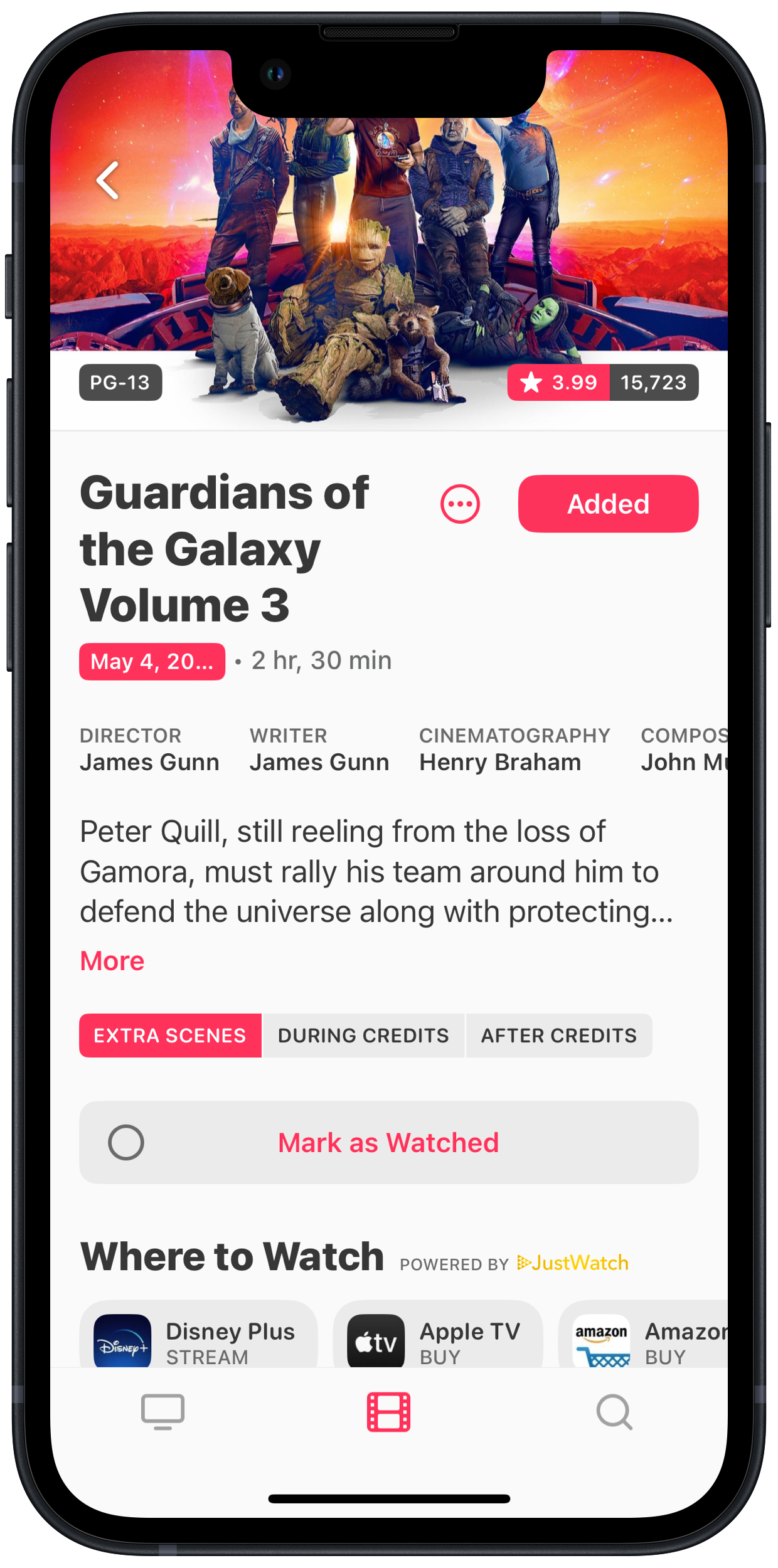
TV Forecast is stepping it up to vie for all my TV/movie tracking. It’s got After Credits and where-to-watch info front-and-center, inline trailers, and cast info that rivals Callsheet — all in such a clean design. I’ve been doing reviews with Quick Reviews, so I’m wondering why I need Letterboxd.
She asked if I liked Friends, I guess that that was the test
I said, “Hell yeah, and Phoebe’s the fuckin' best”
🎵 I’ve heard this song god knows how many times and only just now did these lyrics click. I snorted loud enough to wake my sleeping wife. 🤣
🎵 “Baby, don’t run me ‘round and ‘round”
The Rabbit r1 is intriguing.
your pocket companion
Haven’t quite wrapped my head around it yet, but the teachable “large action model” feels like a solid step forward. I don’t really want another gadget to carry around in my pocket though. It’s the sort of thing that embodies “you’re a feature, not a product” and it’s gotta be coming to smartphones soon enough.
I’m all for constraints — I think they’re where creativity sparks — but so often I’m slamming against the 300 character limit on microposts that feel appropriate for the Micro.blog timeline. They’re hard to edit without losing context. A 500 character limit, consistent with Mastodon, is so enticing.
Thanks @imyke@myke.social for giving me fresh perspective on Frozen 2, which I did not originally enjoy, but now have a new appreciation for.
As to what a “curb cut” is, it’s the cut-out in sidewalks so wheelchair users can cross the street. Colloquially, the so-called “curb cut effect” references how accessibility aids like curb cuts not only help disabled people, but they also help an abled person more easily push a stroller across the street.
For me and my reporting, the “curb cuts” phrase is meant to show people that covering accessibility and assistive technologies deserves a permanent and utterly relevant place in mainstream tech news coverage.
Blogging is a lifeline, a connection to people and a world that might not be possible offline because of the reticence to interact and the fear doing so generates. I can’t think of a better reason to do it.
⛷️ Got Jo out on her skis in all this beautiful new snowfall. So fun! Then spent the day de-Christmas treeing the house and getting the place back in order after the holidays. 📷



From what I can tell, the company does seem genuinely serious this time about getting new games simultaneously (or very shortly after launch date) released on Mac alongside PC and consoles.
“We’re innovating at this tremendous pace,” says Martin. “When you look at this from a macro level, it becomes much easier to see how all these pieces are coming together in a way that hasn’t happened before.”
I wish them the best of luck.
I s’pose now is as good a time as any to remind you that if you’ve been enjoying my shortcuts and want one built specifically to solve one of your own tech annoyances, I’d love to help! I do commissions for custom shortcuts. (You can find an example on my Library page)
I think I really missed the mark on my Vision Pro launch predictions. I now presume, since nothing was mentioned in today’s press release, there won’t be another preview “event” prior to pre-orders at all. I expect units are now in the hands of reviewers and we’ll see embargoes lift early next week.
I’ve been doing a lot more writing than reading lately, which certainly isn’t a bad thing, but it does leave me feeling a bit… lacking? I love reading my favorite writers, and I’ve just left them behind.
🔗
Philips created a new smart lock that doesn’t require a key or a code — all you need is your hand. The company showed off its new $359.99 Wi-Fi Palm Recognition Smart Deadbolt during CES 2024, which comes with a built-in palm scanner that unlocks your door when it detects your unique palm print.
Interesting…but not a super helpful feature for places like here where we wear gloves outdoors for like 5 months of the year.
🔗
It’s a real bummer to feel like I’ve been ripped off by a much bigger company, seeing them pitch something I’ve worked hard on as a free feature in their app. There’s some irony there.
Yeah, Basecamp certainly could have done this without making it look like you’re getting such a deal compared to Stephen’s physical calendar. Unfortunate framing, I’d say. (His 2024 retail calendar is great once again, btw.)
🔗
Apple today announced Apple Vision Pro will be available beginning Friday, February 2, at all U.S. Apple Store locations and the U.S. Apple Store online. Vision Pro is a revolutionary spatial computer that transforms how people work, collaborate, connect, relive memories, and enjoy entertainment. […] Pre-orders for Apple Vision Pro begin Friday, January 19, at 5 a.m. PST.
Well, my first few predictions were off by a whole month. But I’m not too upset since it means (hopefully) getting my hands on a Vison Pro that much earlier!
I’m unsurprised and a little tickled that, right on schedule the at the end of the first week of a new year, my post about how to save your Apple Watch stand goal streak has regained the top spot in my site analytics leaderboard.
Alright, that’s probably enough computering for one night. Gotta go catch some Z’s. Goodnight world!
Entry #25 to the Library is a doozy. Introducing my ‘Micro.blog Multimedia Uploader’ shortcut:
This shortcut helps you to upload any file(s) to your Micro.blog account and then copy the resulting URL(s) in the format of your choosing — including Markdown for images, HTML for videos and audio, or a plain URL for other files.
It includes niceties like allowing you to choose to upload images as either JPEGs or PNGs […], recursive encoding of videos […], and an optional function to use another shortcut to auto-generate image description[s].
Get it here from the HeyDingus Shortcuts Library.